

Running low: restock
Your Main Dashboard tells you when stock at the FreightNI warehouse runs low. This page walks through the whole restock loop: spot it, get more in, and send it to Amazon.
Spot low stock on the Main Dashboard
Section titled “Spot low stock on the Main Dashboard”- Open the Main Dashboard (click the EasyReports logo).
- Look at the Warehouse Stock tiles:
- Critical (≤5): products with five cartons or fewer still available.
- Out of stock: products with no available cartons.
- Click a tile to open Stock and see which products are low.
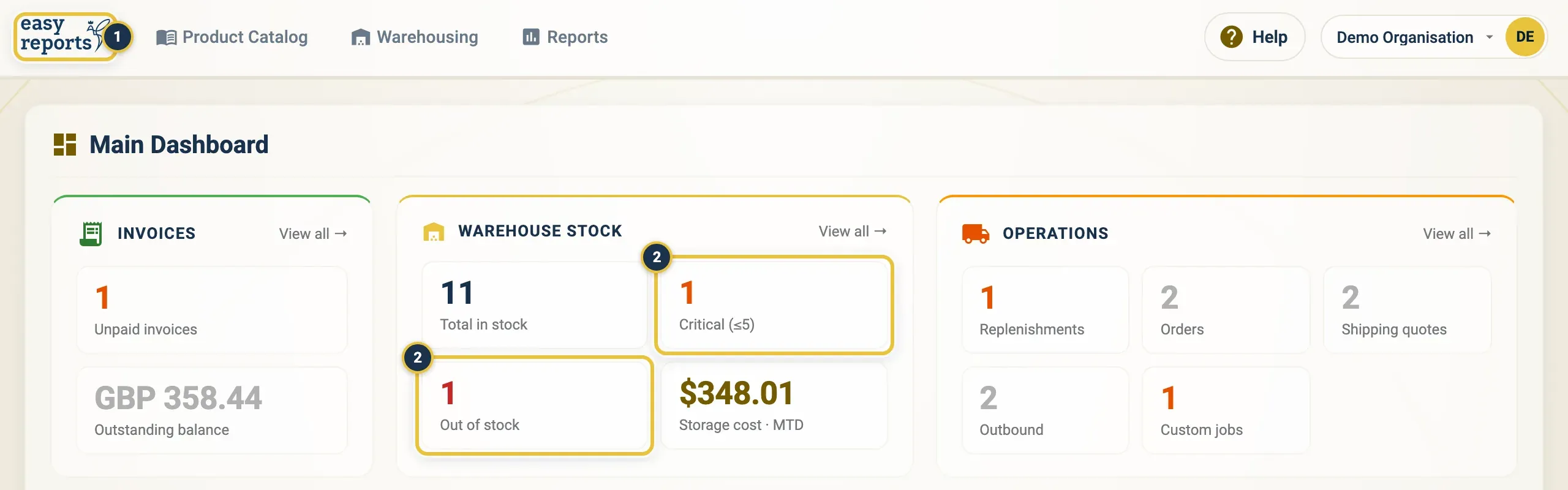
The logo (1) opens the Main Dashboard. Critical (≤5) and Out of stock (2) sit under Warehouse Stock.
Get more stock in
Section titled “Get more stock in”There are two ways to restock:
- FreightNI buys it for you: place an order.
- Your own supplier is already making it: record it as Inbound stock.
To reorder through FreightNI:
- Click Warehousing in the top menu, then Orders.
- Click Add order and pick the SKU.
- Choose Product reorder as the Order type.
- Enter the Units required and click Submit.

Warehousing, then Orders (1), then Add order (2).
FreightNI takes it from there. You pay the deposit, production starts, and when it is finished you settle the balance. Both invoices are under Invoices in your user menu. Then the goods move to the China Hub.
Wait for restocked goods to arrive
Section titled “Wait for restocked goods to arrive”- While the goods are on their way, they show as Incoming under Cartons in Route on the Stock page.
- When they arrive, the warehouse team counts the cartons. They become Available, and the critical alert clears.
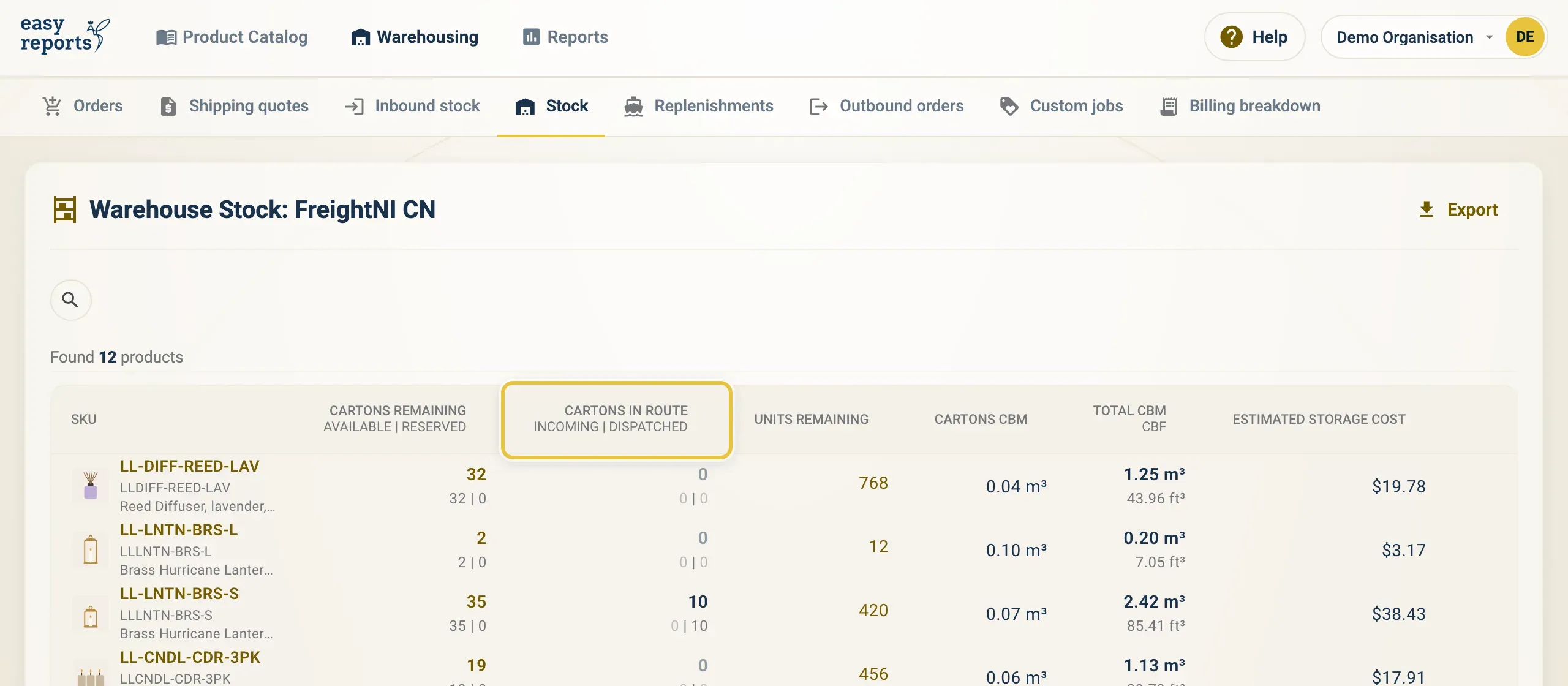
Cartons on their way show under Cartons in Route on the Stock page.
Send restocked goods to Amazon
Section titled “Send restocked goods to Amazon”- Add a replenishment for the SKU. The cartons are reserved for it straight away.
- Follow it until it is Received By Amazon. See After you submit.
Good to know
Section titled “Good to know”- The alerts count available cartons: cartons in the warehouse minus cartons reserved for open requests.
- Hidden (archived) products are left out of the Critical and Out of stock counts, but their cartons still count towards your stock and storage cost.